Google Ads Policy Issues: How to Identify, Fix, and Recover an Account
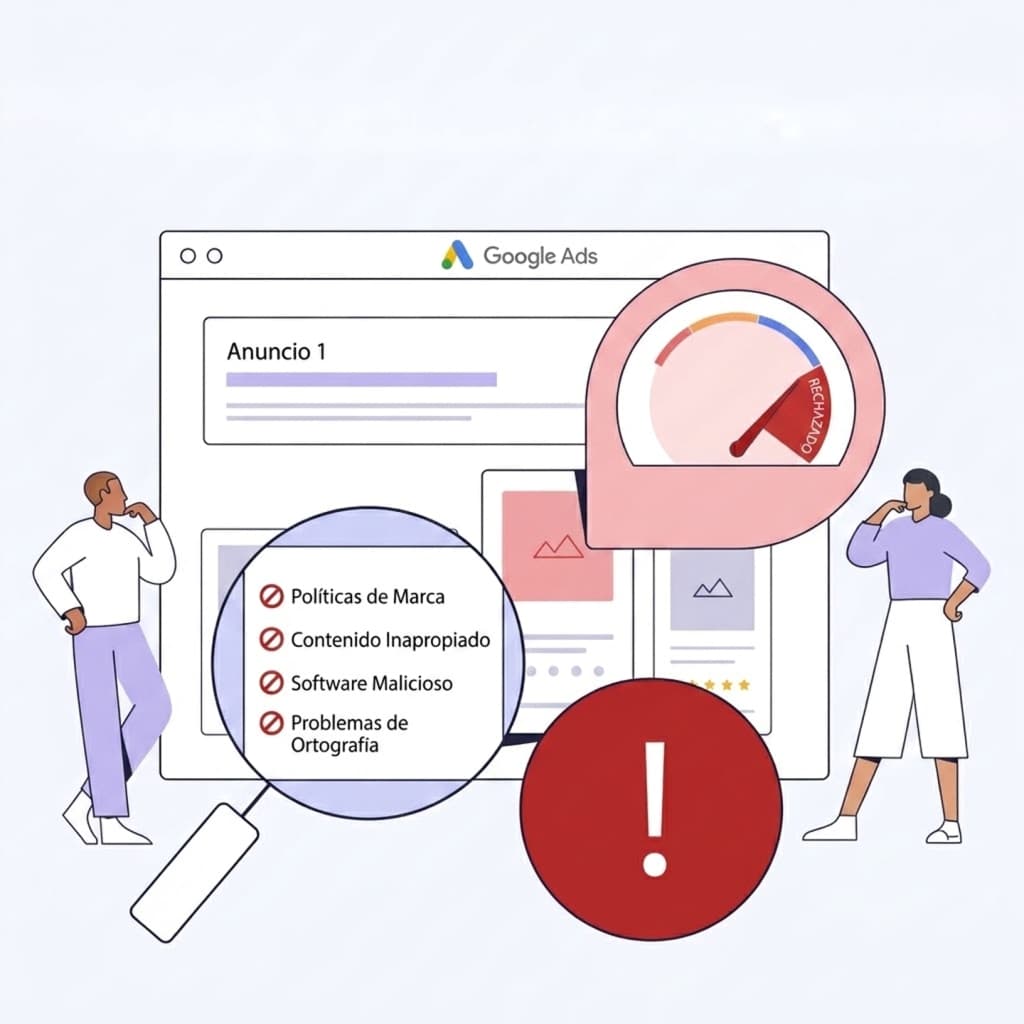
Managing Google Ads campaigns is not just about writing ad copy, selecting keywords, and setting a budget.
There is a critical part of the job that often only comes to light when something goes wrong: Google Ads advertising policies.
An ad can be disapproved because the destination landing page fails to load, because Google detects malicious content, because it flags potential manipulation of its review systems, or because the offering belongs to a strictly regulated category.
In some scenarios, the issue is even more challenging: the website has already been cleaned and repaired, but Google continues flagging a historical violation or imposing account-level restrictions that block campaign delivery.
This was precisely the challenge I encountered when taking over an SEO and SEM project for Carpe Diem, a therapeutic center specializing in mental healthcare.
The Google Ads account was burdened by multiple concurrent policy flags. Some were legacy artifacts tied to the domain's historical security state, while others required concrete technical remediations to the server, content architecture, and campaign setups.
The solution was never just "trying another ad copy." It required a methodical audit of server infrastructure, malware remediation, DNS reconfiguration, content restructuring, advertiser verification, and a structured appeal process with Google.
In this article, I break down the most common Google Ads policy issues, how to troubleshoot them systematically, and the key lessons learned from this case study.
Google Ads Evaluates Much More Than Just Your Ad Copy
This is the foundational principle every advertiser and developer must understand.
When Google reviews a campaign, its automated systems and human reviewers do not merely inspect the headline and description text.
Google evaluates: • The destination URL and final landing page. • The entire website content, metadata, and linked resources. • User experience (UX), Core Web Vitals, and page load speed. • Domain reputation, server infrastructure, and SSL/TLS configuration. • The advertising account history, billing integrity, and advertiser identity. • Third-party verification databases and external entity signals.
Google explicitly notes that for certain policy violations, it cross-references data from the ad, the website, associated accounts, and external authoritative sources.
This explains why a seemingly flawless ad can be disapproved immediately.
You can have a compliant and professional ad copy such as:
"Specialized Mental Health Psychologists"which is formally compliant on its own, and yet get disapproved because the root issue lies on the landing page, in the domain infrastructure, or in regional healthcare certification requirements.
This fundamentally transforms troubleshooting: before attempting to fix a disapproval inside Google Ads, you must uncover what is truly triggering it at the infrastructure or content layer.
The Most Common Google Ads Policy Violations
Not all policy infractions carry the same severity or require the same remediation steps.
Common violations include: • Destination not working (HTTP errors, timeouts, broken redirects). • Destination not crawlable or inaccessible to Google AdsBot. • Compromised site / Malware / Unwanted software. • Misrepresentation and misleading claims. • Trademark infringement issues. • Healthcare and medicines restrictions. • Circumventing systems (a high-risk violation). • Advertiser identity verification issues.
While some are straightforward technical fixes, others can trigger permanent account suspensions.
This is why submitting instant appeals without prior technical remediation is a dangerous mistake.
1. Destination Not Working
One of the most straightforward yet frequent reasons for ad disapproval.
Google mandates that any landing page linked in an ad must function reliably. A destination that returns server error codes, displays an under-construction placeholder, or blocks Google's automated crawlers will trigger an immediate rejection.
Common technical culprits: • HTTP 404 (Not Found) errors. • HTTP 500 / 502 / 503 internal server errors. • Server downtime, high latency, or request timeouts. • Broken redirect loops or incorrect 301/302 mappings. • Malformed final URLs or invalid tracking parameters. • Expired, self-signed, or improperly chained SSL certificates. • "Site under construction" or default server landing pages. • Crawl blocks caused by restrictive robots.txt rules. • Inadvertent IP or User-Agent blocking by WAF or firewall rules. • Routing and DNS glitches following a website migration.
Crucial insight: Just because a page loads in your personal browser does not mean it works for Google AdsBot. Google assesses accessibility using specialized worldwide crawler nodes that test various user agents, network conditions, and device viewports.
How to Fix It
- 1.Verify the exact final URL configured in the ad and any tracking templates.
- 2.Audit the HTTP status response headers (must return a clean
200 OK). - 3.Check 301 permanent redirects to ensure no redirect chains or loops exist.
- 4.Verify SSL/TLS certificate validity, OCSP stapling, and mixed content warnings.
- 5.Inspect DNS propagation, A records, and CNAME configurations.
- 6.Review server firewall logs and CDN/WAF rules to verify Google AdsBot isn't being challenged or blocked.
- 7.Test mobile responsiveness and page speed.
Once the technical fix is deployed and verified, submit an ad review through the Google Ads dashboard.
2. Compromised Site: When Google Flags Malware
This was the first major roadblock in the Carpe Diem project.
Upon auditing the Google Ads account, the client's domain was flagged with a Compromised Site violation.
What made the situation particularly complex was that active security scans of the live site appeared clean at first glance.
This presents a common frustration: the current website may be clean, but Google's security systems may still be reacting to past infection history or cached security flags.
Google defines a compromised site as one whose code or server was manipulated to benefit third parties without the owner's authorization—such as malicious JavaScript injections, phishing redirects, hidden SEO spam, or CMS backdoor exploits.
Why WordPress Sites Are Frequent Targets
WordPress powers over 40% of the web, making it a prime target for automated exploitation: • Outdated plugins with known vulnerabilities. • Abandoned or nulled themes containing obfuscated code. • Weak or compromised administrative credentials. • Injected PHP webshells hidden within uploads directories. • Malicious redirect scripts triggered only for search engine referrers. • Server-level cross-account contamination in shared hosting environments. • Dormant legacy installations in forgotten subdomains or subdirectories. • Injected base64-encoded payloads inside WordPress database tables.
Key challenge: Cleaning visible frontend code does not mean the entire server stack is clean. Persistent malware often regenerates via cron jobs, rogue admin accounts, or backdoor files.
Step 1 for Carpe Diem: Full Server Migration
For Carpe Diem, we avoided assuming that a surface-level cleanup of the old hosting environment would suffice.
The strategic decision was to migrate the website to a completely new, hardened server environment starting from a clean slate.
The reasoning was straightforward: if lingering corrupt files, hidden backdoors, or server-level configuration risks existed in the previous host, spinning up a fresh environment eliminated that uncertainty.
While server migration is not a universal substitute for patching vulnerabilities, building upon a pristine infrastructure provides a verifiable foundation when appealing to Google.
Step 2: Delegating Authoritative DNS to Cloudflare
Following the migration, we integrated Cloudflare as the authoritative DNS provider and front-line security proxy: 1. Created the domain zone within Cloudflare. 2. Obtained Cloudflare's assigned authoritative nameservers. 3. Updated nameserver records at the domain registrar. 4. Verified full DNS propagation and zone activation. 5. Optimized core DNS records (A, CNAME, MX, SPF, DKIM, DMARC) and enabled DNSSEC. 6. Enforced Full (Strict) SSL/TLS encryption.
Did Cloudflare Solve the Malware Issue on Its Own?
No. Cloudflare cannot automatically disinfect a compromised WordPress backend.
The actual solution was the comprehensive combination of actions:
Clean Server + Code Audit + Cloudflare WAF/DNS + Security Hardening + Advertiser Verification + Documented AppealsCloudflare provided critical architectural safeguards: • Web Application Firewall (WAF) blocking malicious payloads. • DDoS protection and mitigation of abusive bots. • Origin server IP cloaking. • Fast, secure, and resilient global DNS routing.
Why Was This Crucial for Google Ads?
Because the obstacle was not the ad copy. Google needed technical evidence that the destination was secure, stable, and trusted.
Once the infrastructure was solidified and verified, we moved to the next phase: restoring the platform's trust through structured appeals.
3. Policy Appeals Are Not a Magic Button
When Google flags an ad, the interface provides an "Appeal" button. However, clicking appeal with a generic message like *"My ad complies with policies, please re-enable"* is almost always counterproductive.
A professional technical appeal should document: • What initially happened: Context of the historical flag or vulnerability. • What exact changes were made: Server migration details, CMS hardening, malware cleanup reports, and code updates. • What the current state is: Verifiable proof that the site is secure (clean scans from Google Search Console, VirusTotal, Sucuri). • Supporting evidence: Security certificates, business registration, or licensing documents.
The proper resolution cycle is:
Diagnosis → Technical Fix → Pre-Appeal Verification → Documented Appeal → Systematic Follow-Up4. Circumventing Systems: A High-Severity Violation
The second critical issue encountered on the Carpe Diem account was a Circumventing Systems restriction.
This is one of Google's most severe policy categories.
Google strictly prohibits any attempt to bypass, manipulate, or trick its review algorithms: • Creating new accounts to bypass existing suspensions. • Using domain variations or sneaky redirects to avoid restrictions. • Providing false or contradictory business information during verification. • Cloaking content (showing different pages to crawlers vs. human users).
Violations in this category can lead to immediate, irreversible account terminations.
What the Carpe Diem Case Proved
In Carpe Diem's case, there was no intent to deceive. The website was clean and legitimate.
The flag was triggered by residual signals linked to the account's historical issues and repeated past disapproved ads.
By resolving the underlying infrastructure problems, completing full advertiser verification, and submitting a detailed appeal detailing the technical overhaul, we successfully lifted this restriction.
Golden Rule: When faced with a severe policy flag, never create a new account or switch domains blindly. Doing so is automatically detected and flagged as Circumventing Systems, making account recovery exponentially harder.
5. Healthcare and Medicines: Content-Level Compliance
The third challenge for Carpe Diem was directly tied to content: the organization provides mental healthcare and psychological therapy services.
Google maintains strict guidelines for Healthcare & Medicines. Policy boundaries depend heavily on geographical location, treatment modalities, prescription terminology, and required medical certifications.
The Mistake of Only Editing Ad Copy
A common misstep is only adjusting the ad headlines. However, Google's policy engine analyzes both the ad and the destination landing page in tandem.
If your ad reads "Psychological Support for Adults", but the landing page contains unaccredited pharmaceutical claims, absolute cure guarantees, or restricted diagnostic terms, the campaign will remain disapproved.
The Solution: Strategic Content Restructuring
For Carpe Diem, we executed a holistic content audit: • Refined all ad headlines and descriptions to maintain regulatory compliance. • Restructured ad groups around compliant semantic themes. • Rewrote landing page copy to describe clinical services accurately without triggering automated medical filter keywords. • Clearly displayed clinician credentials, degrees, and institutional licenses. • Submitted required healthcare provider documentation.
Copywriting is SEM Strategy in Regulated Niches
In healthcare, legal, and financial sectors, copywriting is not just about persuasion—it is a compliance discipline: • Precision and clinical clarity in treatment descriptions. • Transparent attribution of who provides each service. • Strict avoidance of exaggerated outcomes or absolute guarantees. • Prominently accessible Privacy Policies and Terms of Service. • Setting honest, realistic expectations for users.
Approval is an Ongoing Process
Policies and AI classification models evolve over time. Operating in regulated sectors requires proactive governance:
"The strategy cannot be 'get approved and forget it.' It must be 'get approved, continuously monitor, and proactively adapt both the website and the campaigns.'"
6. Misrepresentation & Transparency
Another widespread source of account suspensions is Misrepresentation: • Making claims that cannot be substantiated. • Missing or obscure contact information (phone, email, physical address). • Hidden billing terms, undisclosed fees, or unclear return policies. • Lack of explicit Terms of Service and Privacy Policy pages. • Ambiguity regarding the legal entity operating the website.
A trustworthy landing page should immediately clarify: • Who is providing this service? • What does the service entail? • How can I contact the business directly? • What are the operational and commercial terms?
7. Trademarks
Using registered trademarks (Trademarks) in ad copy can trigger automatic restrictions unless proper authorization is filed.
If you are an authorized reseller, distributor, or partner, it is best practice to submit official trademark authorization through Google's dedicated forms rather than attempting to bypass brand name filters.
8. Advertiser Verification
Google has made Advertiser Verification mandatory across accounts globally: • Government-issued photo ID of account administrators. • Official corporate incorporation and tax registration documents. • Proof of direct relationship between the legal entity and the advertised domain. • Relevant operational or professional licenses.
For Carpe Diem, completing the formal verification process was essential in establishing account credibility and lifting legacy review flags.
Never Improvise an Account Recovery
When an account suffers multiple policy infractions, chaotic trial-and-error will only cause further harm:
- ◆❌ Opening a secondary Google Ads account.
- ◆❌ Changing domain names without addressing the root cause.
- ◆❌ Duplicating disapproved campaigns repeatedly.
- ◆❌ Randomly tweaking ad copy without auditing the destination.
- ◆❌ Using cloaking scripts or hiding content from bots.
- ◆❌ Submitting rapid-fire appeals without making technical changes.
- ◆❌ Blaming the platform without inspecting server health.
Recovery requires disciplined engineering and clear evidence.
My 6-Step Methodology for Resolving Policy Issues
| Phase | Primary Focus | Key Actions |
|---|---|---|
| 1. Diagnosis | Root cause identification | Pinpoint the exact policy violation and review account history. |
| 2. Comprehensive Audit | Technical, security & content review | Audit server logs, DNS, malware scanners, HTTP response codes, and UX. |
| 3. Root Remediation | Engineering & content fixes | Migrate server, clean codebase, configure Cloudflare WAF, adjust copy. |
| 4. Pre-Appeal Verification | Pre-flight validation | Confirm 200 HTTP codes, verify clean security scans, check mobile UX. |
| 5. Documented Appeal | Formal submission | Provide concise breakdown: what happened, what changed, and proof of fix. |
| 6. Continuous Monitoring | Post-recovery tracking | Monitor delivery metrics, ad health, and future policy updates. |
What the Carpe Diem Case Study Taught Us
This project highlighted a fundamental truth of modern digital marketing:
Google Ads Can Become a Web Infrastructure Challenge
When ads fail to deliver, marketers instinctively tweak keywords, bids, or budgets.
However, a campaign can be perfectly configured and still fail because: • The web server has security vulnerabilities or intermittent downtime. • The firewall inadvertently challenges Google AdsBot. • The landing page copy triggers automated healthcare restrictions. • Required account verification milestones were never completed.
SEO, Web Development, and SEM Must Work in Harmony
- ◆A SEM specialist must recognize when an ad issue stems from the server or CMS.
- ◆A web developer must understand how server migrations and header configurations affect ad delivery.
- ◆An SEO specialist recognizes that crawlability, site speed, security, and content architecture dictate both organic rankings and paid advertising viability.
Pre-Launch Checklist for a Resilient Google Ads Ecosystem
Before allocating ad spend, ensure your digital ecosystem meets these benchmarks:
Website & Security
- ◆Valid SSL/TLS certificate configured without mixed content warnings.
- ◆Zero active malware; CMS, plugins, and dependencies fully patched.
- ◆Fast loading speed with verified mobile usability.
- ◆Fully functional forms, buttons, and conversion tracking events.
Infrastructure & DNS
- ◆Reliable DNS management (e.g., Cloudflare with DNSSEC enabled).
- ◆High-uptime server with low latency response times.
- ◆Clean 301 redirects without loops or chaining.
- ◆WAF rules tailored to allow legitimate search and ad crawlers.
Google Ads Account
- ◆Verified billing details and payment profile.
- ◆Completed Advertiser Identity Verification.
- ◆Coherent campaign taxonomy and search intent alignment.
- ◆Validated final destination URLs matching landing page content.
Content & Compliance
- ◆Transparent business credentials, contact details, and physical location.
- ◆Accessible Privacy Policy and Terms of Use.
- ◆Verifiable claims without unrealistic promises.
- ◆Terminology compliant with sector-specific advertising guidelines.
Conclusion
A Google Ads campaign is only as effective as the digital ecosystem supporting it.
If a website is sluggish, insecure, difficult to crawl, or non-compliant with category policies, increasing ad spend will not solve the problem.
First, establish a rock-solid technical and architectural foundation; then, scale paid acquisition. When web development, SEO, security, and SEM collaborate seamlessly, Google Ads shifts from a source of frustration into a predictable engine for business growth.
Is Your Google Ads Account Facing Disapprovals or Restrictions?
If you are dealing with persistent ad disapprovals, policy restrictions, or suspended campaigns, the answer is not to guess with more ad copy—it requires an end-to-end audit of your infrastructure, landing pages, and account status.
Through my integrated approach combining web development, technical SEO, and Google Ads management (SEM), I help businesses resolve complex policy flags and restore stable advertising operations.
If you need an audit or assistance recovering your campaigns:
- ◆📩 Email: contacto@martinmatias.com.ar
- ◆🌐 Website: www.martinmatias.com.ar/en
Related Articles
Explore more curated content on SEO, Artificial Intelligence, and Web Development.
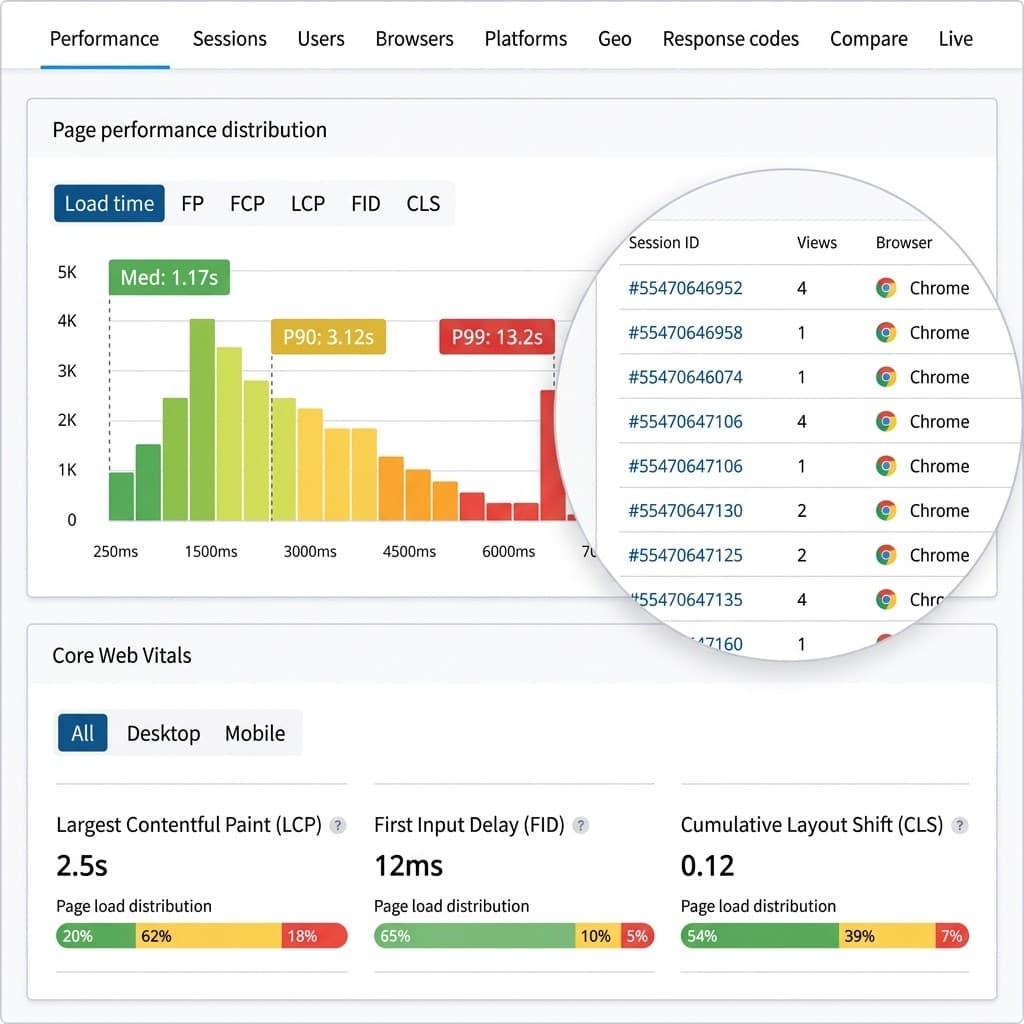
RUM vs. Lighthouse: Why Lab Data Can Mislead You About SEO & UX
Lighthouse can give you a 100 score while real users suffer from sluggishness. Discover why lab data falls short, how it differs from CrUX and RUM, and how to measure real user performance for technical SEO.
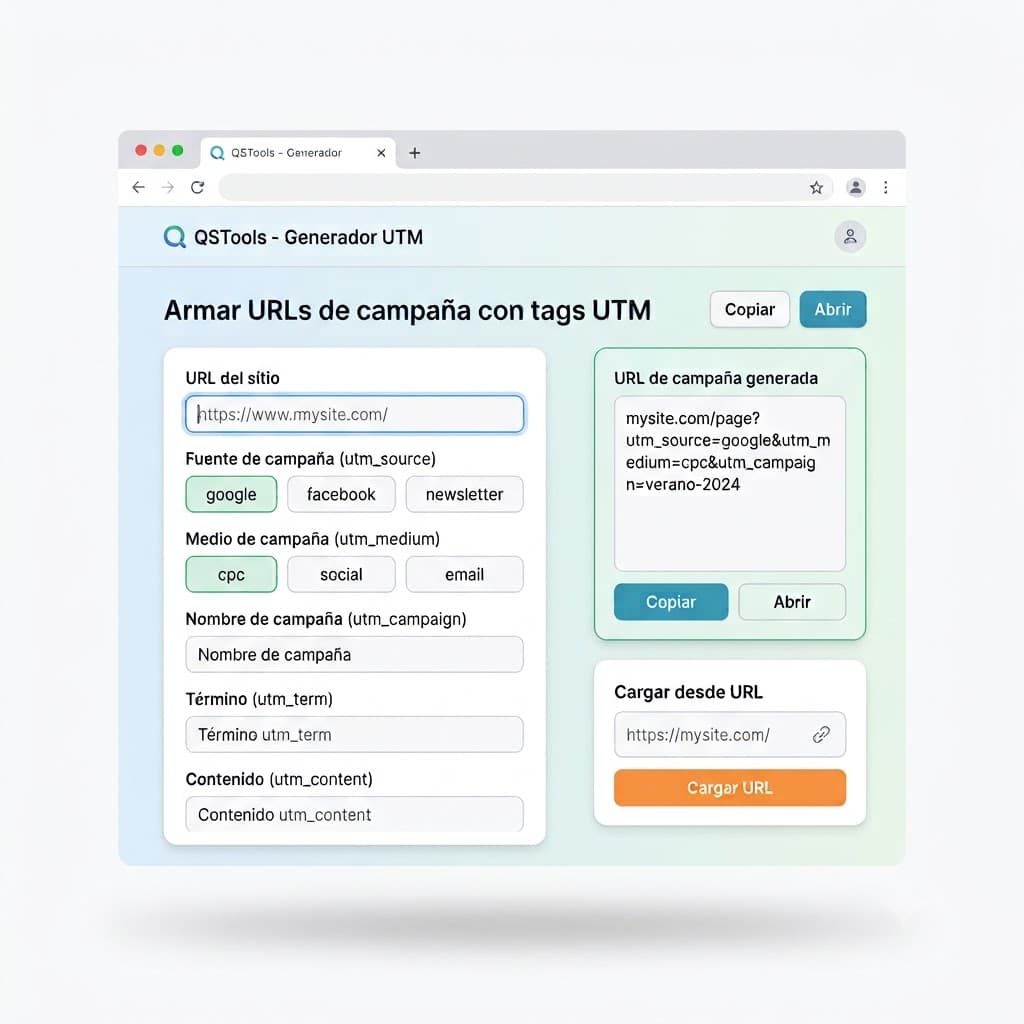
Create Campaign URLs and Measure Traffic Sources
Discover how to use QSTools UTM Builder to generate tagged campaign URLs directly in your browser, accurately measure your traffic sources, and optimize your attribution in Google Analytics and other platforms.
Have a project in mind?
I build modern, fast, and SEO-optimized web solutions. Let's talk!